
How to Search Norwalk Court Records
Superior Court case access begins with the Connecticut Judicial Branch Superior Court Case Look-up navigation page. That page routes users to civil, family, housing, small claims, party-name, docket-number, attorney, property-address, short-calendar, court-events, legal-notice, foreclosure-sale, and case-information tools. Criminal and motor vehicle records use separate Judicial Branch docket tools, while probate files use the Connecticut Probate Courts system and municipal records use Norwalk city channels.
Before searching, decide whether the record is a Superior Court case, a probate matter, a Norwalk Town Clerk record, a police record, a DOC custody record, a DMV driver record, or a federal case. Norwalk criminal and motor vehicle matters may appear under Norwalk Geographical Area 20, Norwalk Housing, Stamford G.A. 1, or Stamford Judicial District, depending on the case. Civil and family matters are usually searched through the civil/family lookup tools rather than the criminal docket portal.
- Identify the record type first. Criminal, civil, family, housing, small claims, probate, police, DMV, and federal records use different official systems.
- For Superior Court civil, family, housing, or small claims records, open the civil inquiry navigation and choose the search path that fits the facts you have.
- For pending criminal or motor vehicle records, use the defendant-name or docket-number criminal/motor vehicle search and select the likely Norwalk or Stamford court location.
- For court dates, use the daily docket search by court location and verify urgent appearances with the clerk or attorney, since add-on dockets are not included.
- For older files, documents not displayed online, or certified copies, contact the relevant Clerk of the Superior Court office or visit the court that holds the file.
Norwalk Court Records Search Fields
The most detailed Norwalk court records field set in the research comes from the Judicial Branch criminal and motor vehicle search. The pending defendant search works best when a user has a last name and at least one narrowing fact. A known docket number must be broken into its Connecticut parts rather than typed as one long string.
| Field Label | Type | Required | Notes / Format |
|---|---|---|---|
| Last Name begins with | Text | Yes | Required on the pending defendant-name search; works as a last-name prefix. |
| First Initial | Text | No | Optional single-letter field that can reduce common-name results. |
| Birth Year | Number or text | No | Optional year of birth for narrowing defendant results. |
| Year Range | Dropdown or text | No | Searches around the birth year entered. |
| Court Location | Dropdown | No | Includes Norwalk GA 20, Norwalk Housing, Stamford GA 1, Stamford JD, and other statewide locations. |
| CategoryType | Radio or dropdown | Varies | Pending search categories include Criminal, Motor Vehicle, and license or registration suspension referrals. |
| Docket Number | Grouped fields | Yes for docket search | Entered as GA/JD, Type, Year, Number, and Suffix. |
| Type | Dropdown | Yes for docket search | Options captured include CR, MV, CI, and MI. |
The U.S. District Court for the District of Connecticut case-information page explains federal PACER and CM/ECF access for federal cases, which are separate from Norwalk court records in Connecticut Superior Court.
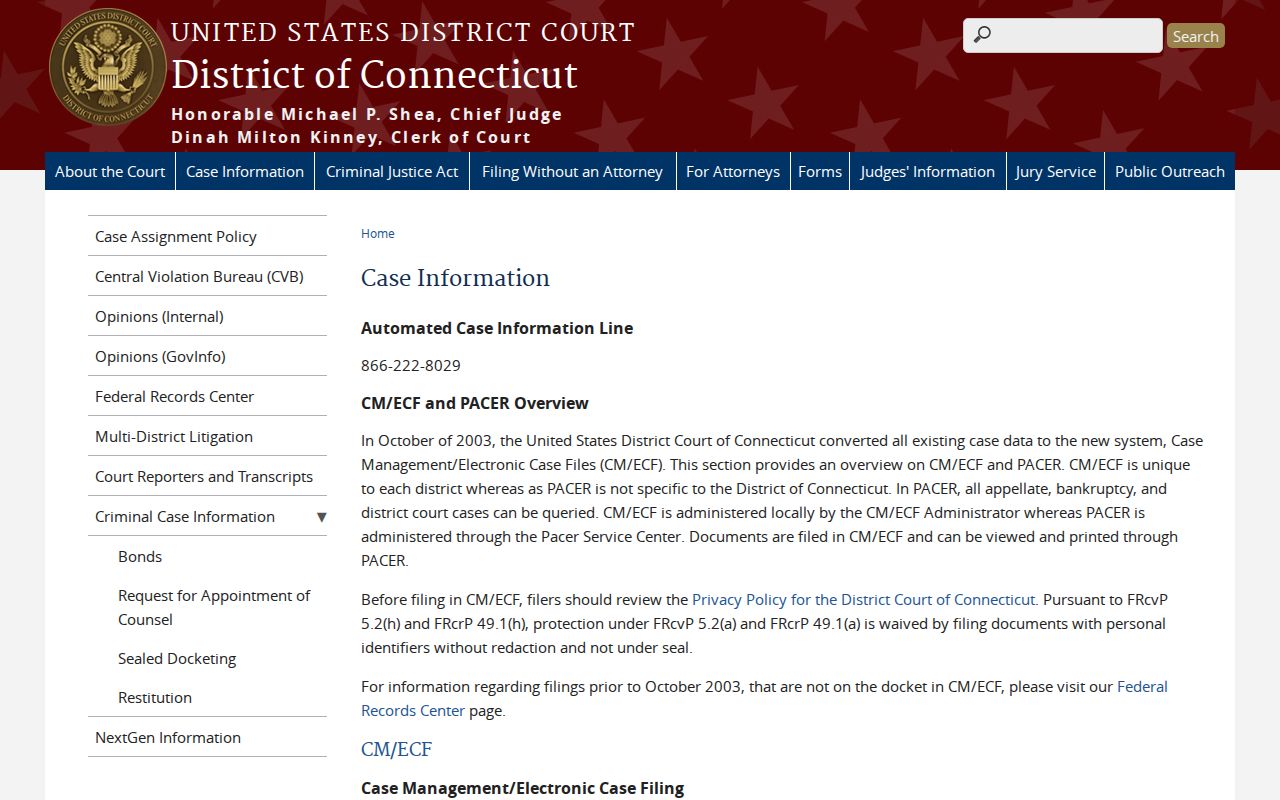
Federal civil or criminal filings are not held by the Norwalk Clerk of the Superior Court, so a federal case name or federal docket number should be searched through federal court tools instead.
Types of Norwalk Court Records
Norwalk court records span several systems. The Superior Court handles civil, family, criminal, juvenile, housing, small claims, and motor vehicle matters through judicial districts, geographical area courts, and sessions. Probate is separate. Municipal records are handled by Norwalk offices, and police records are not the same as court case files.
That split matters because a person may find a daily arrest log from Norwalk Police, a pending criminal case in the Judicial Branch system, a conviction search result, a DOC custody record, and a city FOIA response about the same incident. Each file has a different scope.
- Civil Superior Court records include complaints, appearances, motions, orders, judgments, legal notices, foreclosure notices, court events, and short-calendar activity.
- Criminal court records include pending cases, charges, appearances, pleas, dispositions, sentences, daily dockets, and conviction search results.
- Family court records include divorce, legal separation, custody, support, and post-judgment motions, with limits for closed family matters and protected identifiers.
- Probate records include estates, trusts, conservatorships, guardianships, mental health commitments, name changes, and related probate matters.
- Traffic and motor vehicle court records are separate from DMV driver history and from Norwalk city parking ticket records.
- Police logs and reports come from Norwalk Police or city FOIA, not from the Superior Court clerk.
The Connecticut Bankruptcy Court is another separate federal channel. The PACER Connecticut Bankruptcy Court lookup is relevant only when the court record is a bankruptcy matter.
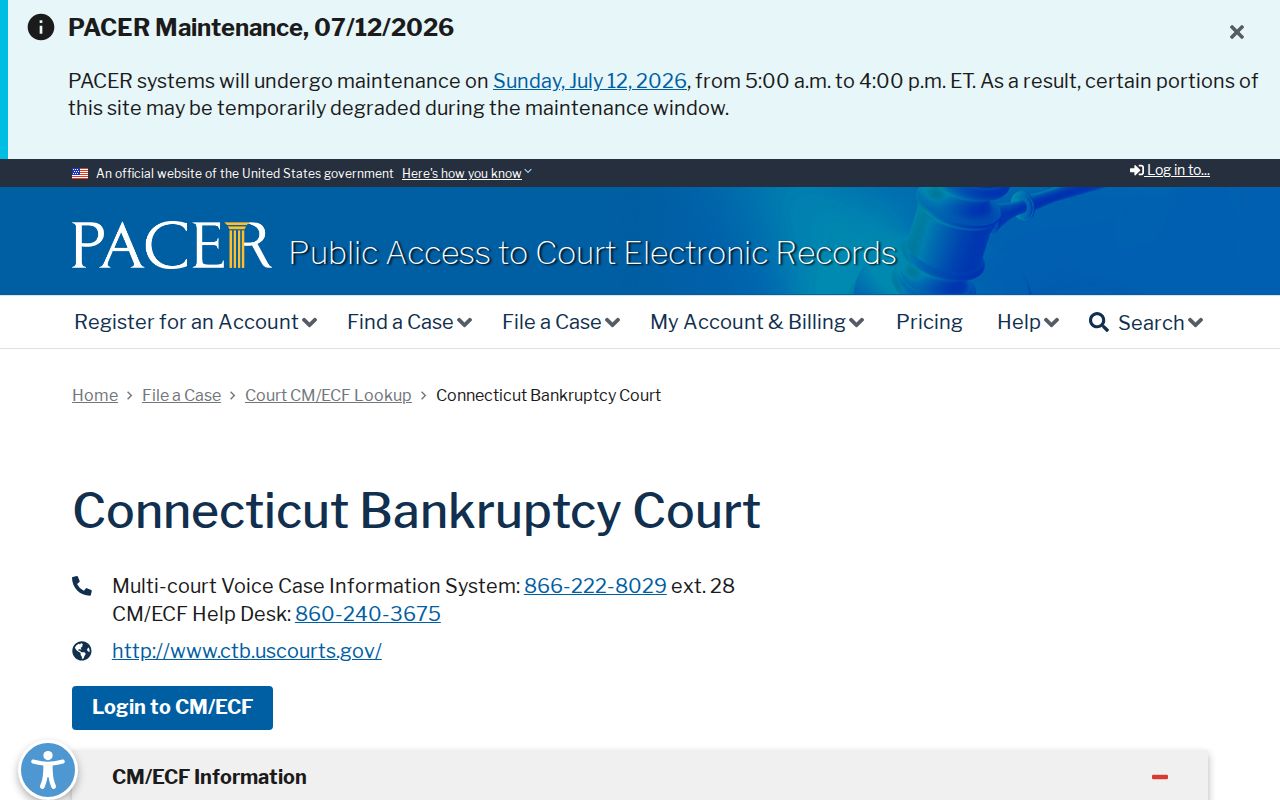
Bankruptcy records can affect civil research, but they do not replace the state Superior Court record for a Norwalk civil, family, housing, criminal, or motor vehicle case.
What Norwalk Court Records Show
Official Norwalk court records show different fields by case type. Criminal and motor vehicle docket tools emphasize defendant, location, docket, category, pending or conviction status, and court-date information. Civil and family legal notices show names, docket numbers, court location, notice dates, and document links. Probate records show estate or trust case details where public.
| Field | What It Shows |
|---|---|
| Docket number | The court tracking number, often using Connecticut location and case type parts such as FST, FA, CV, CR, or MV. |
| Case name | The caption, such as plaintiff versus defendant, petitioner versus respondent, or State of Connecticut versus a defendant. |
| Court location | The court or session tied to the record, such as Norwalk Geographical Area 20, Norwalk Housing, Stamford GA 1, or Stamford JD. |
| Case category | The case type, including criminal, motor vehicle, civil, family, housing, small claims, foreclosure notice, probate estate, or trust. |
| Dates | Filing dates, notice dates, court-event dates, hearing dates, conviction dates, or accuracy-as-of dates. |
| Parties and attorneys | Named parties, attorney or firm juris-number links, fiduciaries, beneficiaries, or other case participants when public. |
| Docket activity | Appearances, motions, orders, judgments, hearings, continuances, dispositions, sentencing, notices, and other events. |
| Documents | Some legal notices include a View Document link, while probate eFiling documents are limited to interested parties and attorneys. |
Public Access for Norwalk Court Records
Connecticut public access starts with Conn. Gen. Stat. Sec. 1-210, which generally opens public agency records for prompt inspection or copying unless another law closes the record. Copy access is addressed by Sec. 1-212, and arrest record access is addressed separately by Sec. 1-215. Court files also depend on court rules, erasure law, juvenile confidentiality, sealed-record orders, family privacy rules, and victim or witness protections.
Norwalk municipal records use the city FOIA portal for routing and tracking. That channel is useful when the record is a city department record, police administrative record, or other municipal item not posted online. Superior Court records should be requested from the Clerk of the Superior Court, probate records from the Probate Court, DOC records from DOC, and DMV records from DMV.
Note: A Norwalk city FOIA request does not create access to sealed court files, erased records, or confidential juvenile matters.
The Connecticut FOIA statute page is assigned to Norwalk court records because it explains the public-record baseline used for municipal and agency requests.
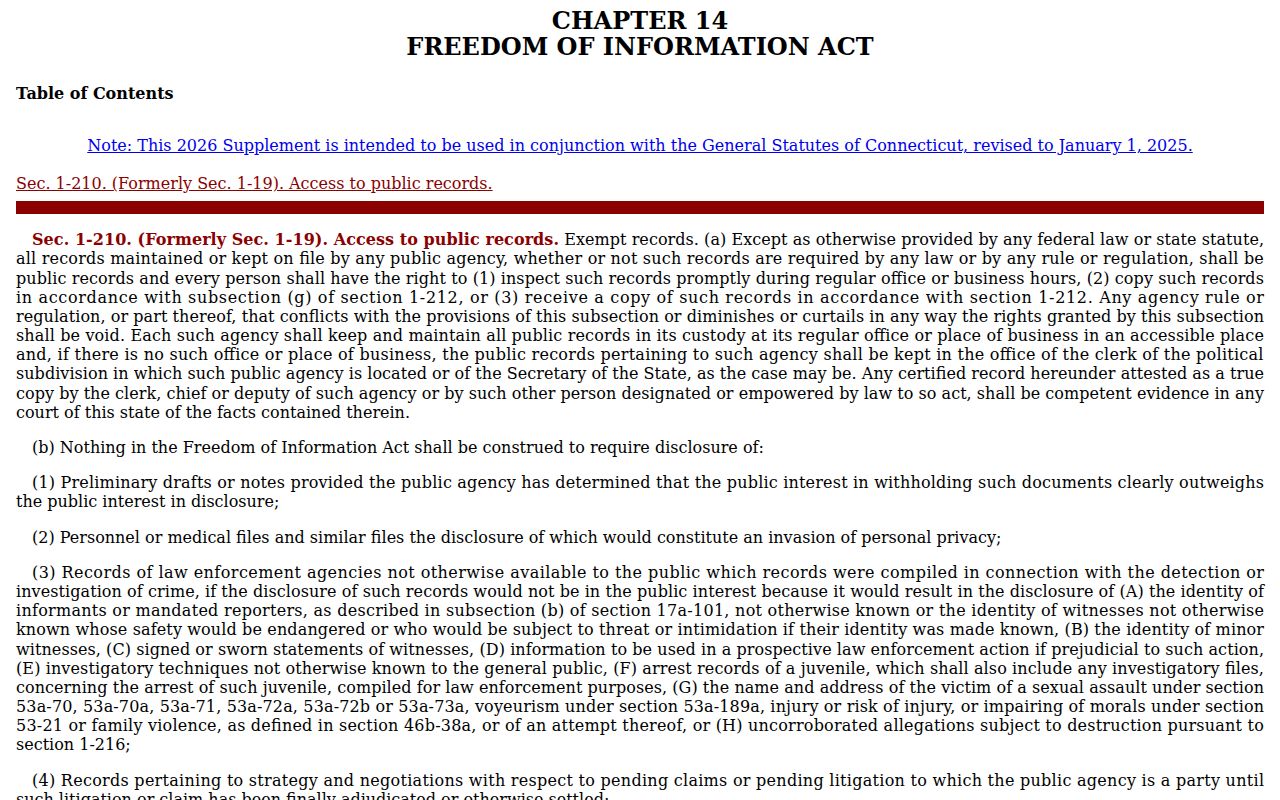
FOIA helps with public agency records, but case access still has to respect the Superior Court, Probate Court, police, correction, and DMV boundaries in the research.
Restricted Norwalk Court Records
Some Norwalk court records are not public even when a case or event exists. Juvenile matter records are confidential under Conn. Gen. Stat. Sec. 46b-124. Erased criminal records are controlled by Conn. Gen. Stat. Sec. 54-142a, which covers qualifying not-guilty findings, dismissals, dropped charges, mistaken identity, and other eligible outcomes. Sealed affidavits, protected victim information, family privacy material, adoption records, mental health proceedings, and personal identifiers may also be withheld or redacted.
When a record is sealed, the file may still exist but be closed to public view by law or court order. Erasure is different. For qualifying criminal records, police, court, and State's Attorney records generally cannot be disclosed as ordinary public records after the statutory trigger. A person checking a Norwalk case should compare the official court search result with any private background-check result and contact the clerk or attorney if an erased matter still appears publicly.
In-Person Court Record Requests
In-person access depends on the record. Norwalk Geographical Area 20 is the local Superior Court location tied to Norwalk criminal and motor vehicle docket searching. Higher-level Stamford-Norwalk Judicial District matters may point to Stamford. Probate files are handled by Norwalk-Wilton Probate Court, while marriage, land, and local municipal records go to the Norwalk Town Clerk rather than a Superior Court clerk.
Norwalk G.A. #20
17 Belden Avenue
Norwalk, CT 06850
(203) 840-8463
Public Defender page lists this courthouse contact and fax (203) 840-8465.
Norwalk-Wilton Probate Court
125 East Avenue
Norwalk, CT 06851
(203) 854-7737
Monday-Friday 8:30-4:30.
District of Connecticut PACER lookup is useful when the matter belongs in federal court. The PACER District of Connecticut lookup lists federal CM/ECF access for the U.S. District Court.
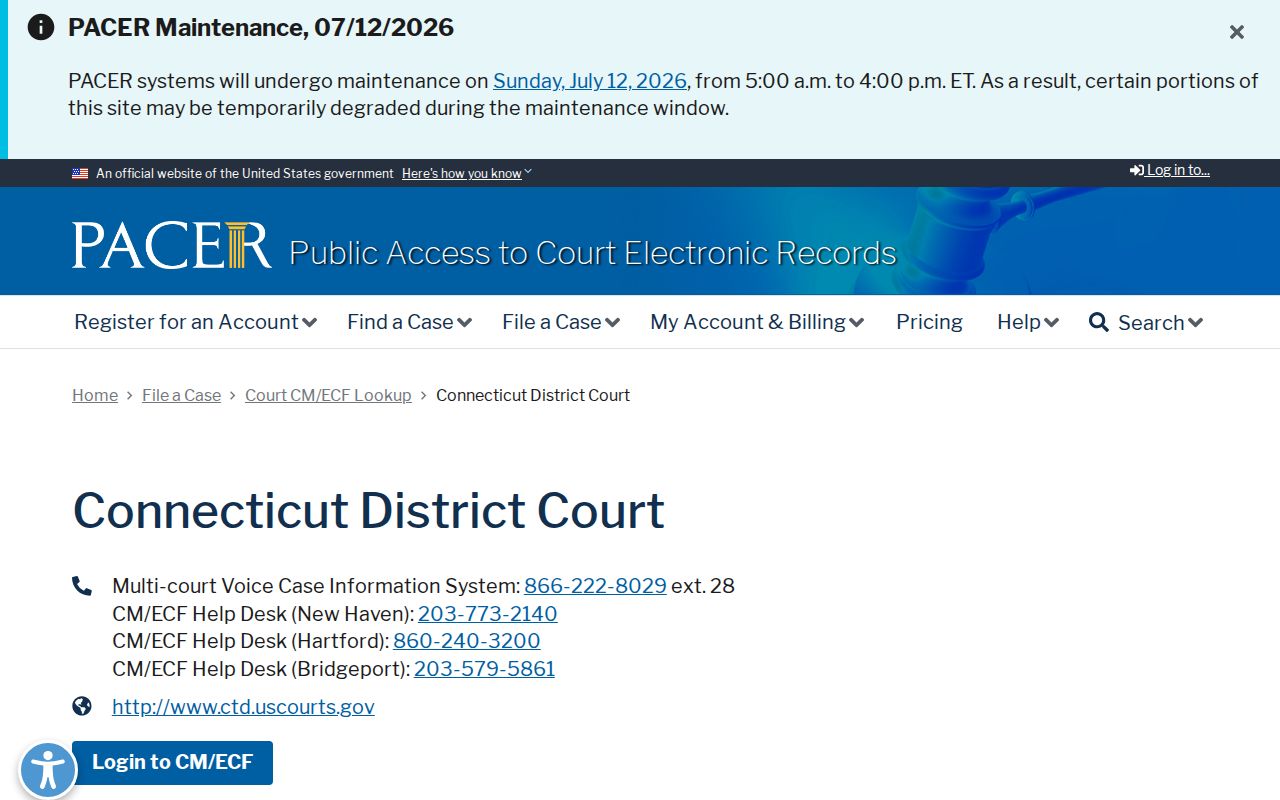
A federal PACER search should be used only after confirming the case is federal; state Superior Court records remain with the Connecticut Judicial Branch and its clerk offices.